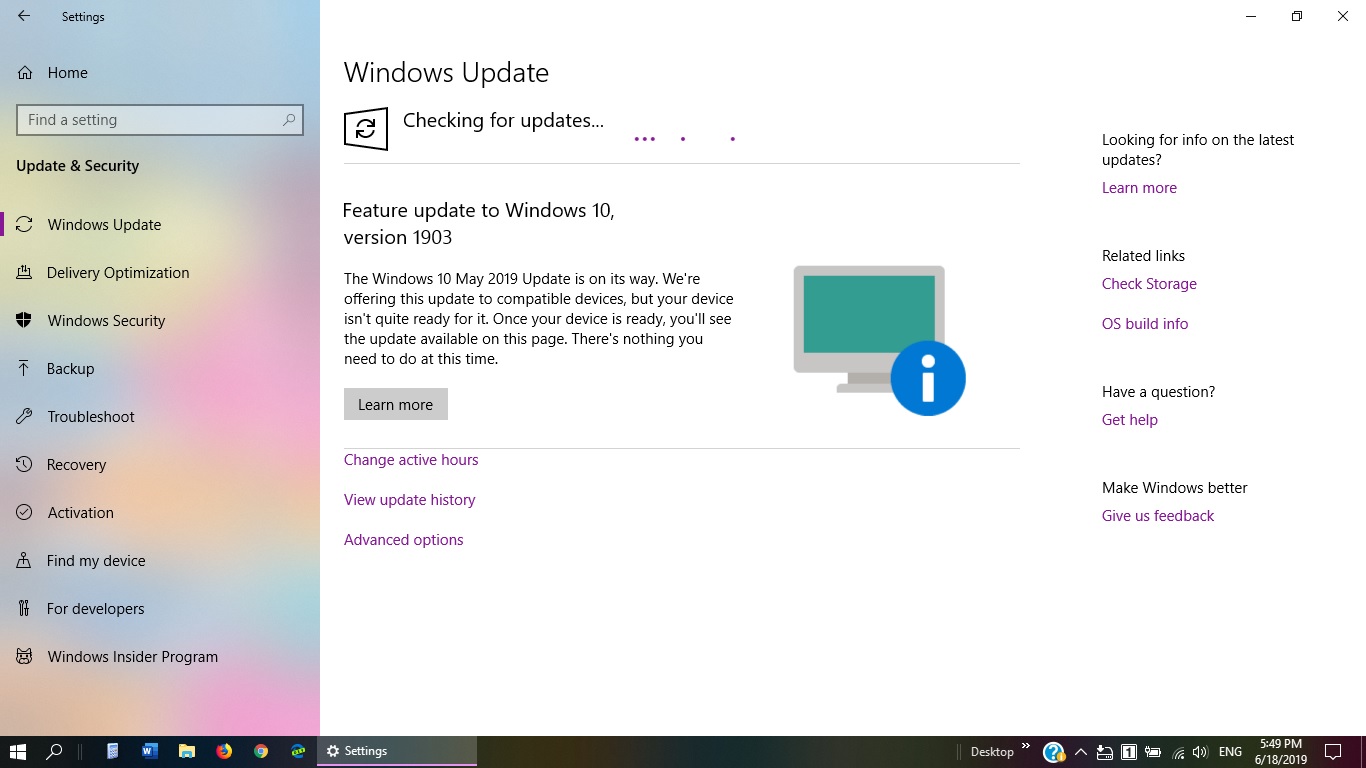
A reminder to those who may have forgotten. 
After updating to Version 1903, you will likely find that System Protection has been turned off, and ALL your current Restore Points will have been removed. After updating another of my machines to 1903, I then checked that all was well, and then turned on System Restore per the Configure button ... then Apply and OK.
I then created a new first restore point followed by a fresh Macrium full image backup.
I also employ my latest Macrium emergency boot disk to confirm that it can still boot into the Macrium Recovery environment for 1903, and that I can navigate to my backups within my external drives. I only have these drives connected when I create backups because of potential Ransomware threats etc. that can migrate to other connected devices.

To be blunt, anyone who still neglects to make regular full Image backups nowadays can only be described as foolish or naïve.
Yes - perhaps you have been lucky that Windows Updates have never hitherto bricked your machine … but it's only a matter of time.
Historically, I've received many phone calls from folk with bricked machines asking "what should I do now".
They also seem to be unaware of the escalating threat of Ransomware when they find that many of their precious files have been encrypted.
They may have been simply unlucky by visiting a hacked website, or have an unexpected hard-drive failure.
This is when I would simply run my latest Macrium image backup and be back to normal in 40 minutes.
I prefer "Put your trust in God, my boys, and keep your powder dry" rather than "Que Sera Sera".
Tornado
Edited by camtornado, 18 June 2019 - 06:17 PM.




 Back to top