


Microsoft has disabled a bad anti-spam rule flooding Microsoft 365 admins' inboxes with blind carbon copies (BCC) of outbound emails mistakenly flagged as spam.
This false positive issue (tracked as EX682041) affected Exchange Online users worldwide, with many reports saying that all emails sent to external addresses were being tagged as spam.
"We're investigating an issue resulting in admins receiving an unexpected volume of copies of outbound email sent to external parties from other users in their organization," the company said via its official Microsoft 365 Status account on Twitter.

"We've disabled a rule change causing legitimate emails to be marked as spam, and we're starting to see recovery."
The anti-spam issues began around 09:40 AM PDT and, according to Microsoft's estimates, were completely resolved 14 hours later.
According to the company's statement, emails inaccurately labeled as spam were also cleared from quarantine in the affected tenants during the mitigation process.
This issue affected administrators assigned to receive copies of emails flagged as potential outbound spam or high-risk delivery mail under default alert policies.
"However, as part of our reprocessing efforts, some admins may have experienced temporary impact in the form of a secondary stream of inbound duplicate notification messages for outbound mails within their inbox while their organization completed the message replay the admin center," Microsoft explained in the admin center.
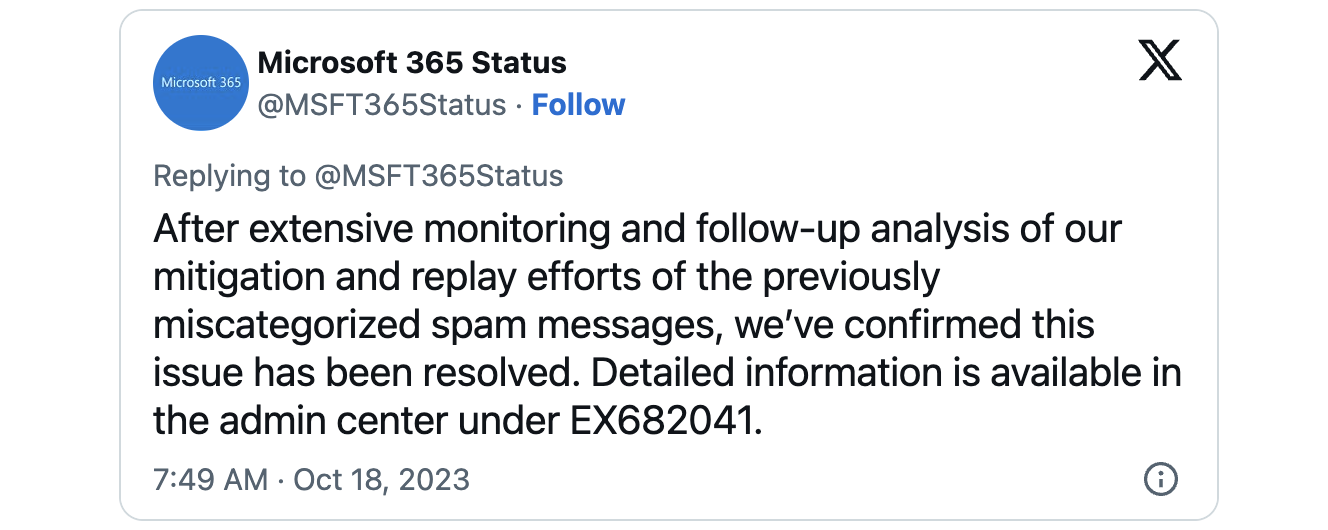
"These duplicate notifications do not indicate actual re-delivery of the email messages themselves and were solely provided to correct notifications going to the spam mailbox. After extensive monitoring and follow-up analysis of our mitigation and replay efforts of the previously miscategorized spam messages, we’ve confirmed this issue has been resolved."
Admins aiming to ensure they won't have their mailbox filled with BCC spam the next time Microsoft 365 anti-spam rules act up can disable the "Send a copy of suspicious outbound" setting for the default outbound spam policy.
The procedure requires admins to:
- Go to https://security.microsoft.com/antispam
- Select the Anti-Spam outbound policy (Default)
- Uncheck "Send a copy of suspicious outbound messages"
- Click 'Save'
While Microsoft said it removed false-positive spam messages from quarantine in affected tenants, admins should also check if any users were added to the blocked senders list.
Those blocked due to the anti-spam false-positive issue can be reinstated from the Restricted entities page in the Microsoft 365 Defender portal.
"Under most circumstances, all restrictions should be removed from the user within one hour. Transient technical issues might cause a longer wait time, but the total wait should be no longer than 24 hours," Microsoft says.

The future of IT infrastructure is here
Modern IT infrastructure moves faster than manual workflows can handle.
In this new Tines guide, learn how your team can reduce hidden manual delays, improve reliability through automated response, and build and scale intelligent workflows on top of tools you already use.









Comments
arizonadude480 - 2 years ago
This was a rough one. I spent nearly 2 hours trying to figure out what was going on before we finally saw the notification in the admin pane in Outlook (or on the admin portal for O365). I actually went to outbound spam policies first thing and saw the settings for thresholds and sending copies of emails to admins, but disregarded that setting because I didn't see how/why the emails were being marked as spam...en masse.
lokjadhav - 2 years ago
Due to this mistake from Microsoft we are still facing challenge as our domain has been blocked by Google, where our domain reputation has been brought down and not able to bring back to "HIGH" in spite keeping all our records perfect.
Getting google support is a nightmare, even now we are not able to send emails to google domains it is blocking as SPAM error stating 550 5.7.1
Can some one help to get out of this issue, as we in between suffering a lot as not able to send communications to our clients and partners.